- Trang chủ
- Import and export
-
Slack data migration
Data migration solution for Slack
Cài đặt
Miễn phí
-
ĐiểmKhông có điểm
-
Cài đặt173
-
Nhà phát triểnBitrix24 Integrations
Sự miêu tả
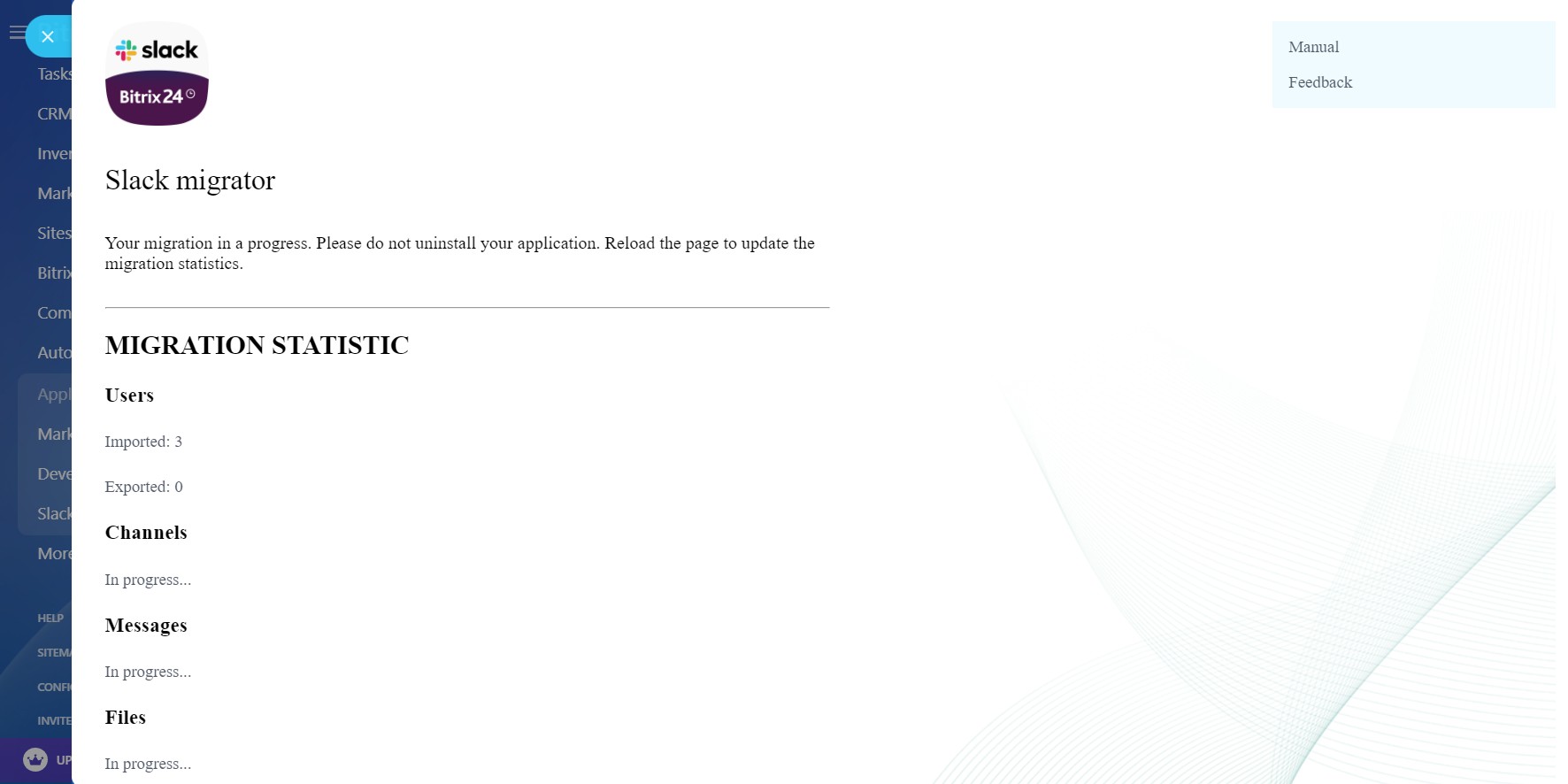
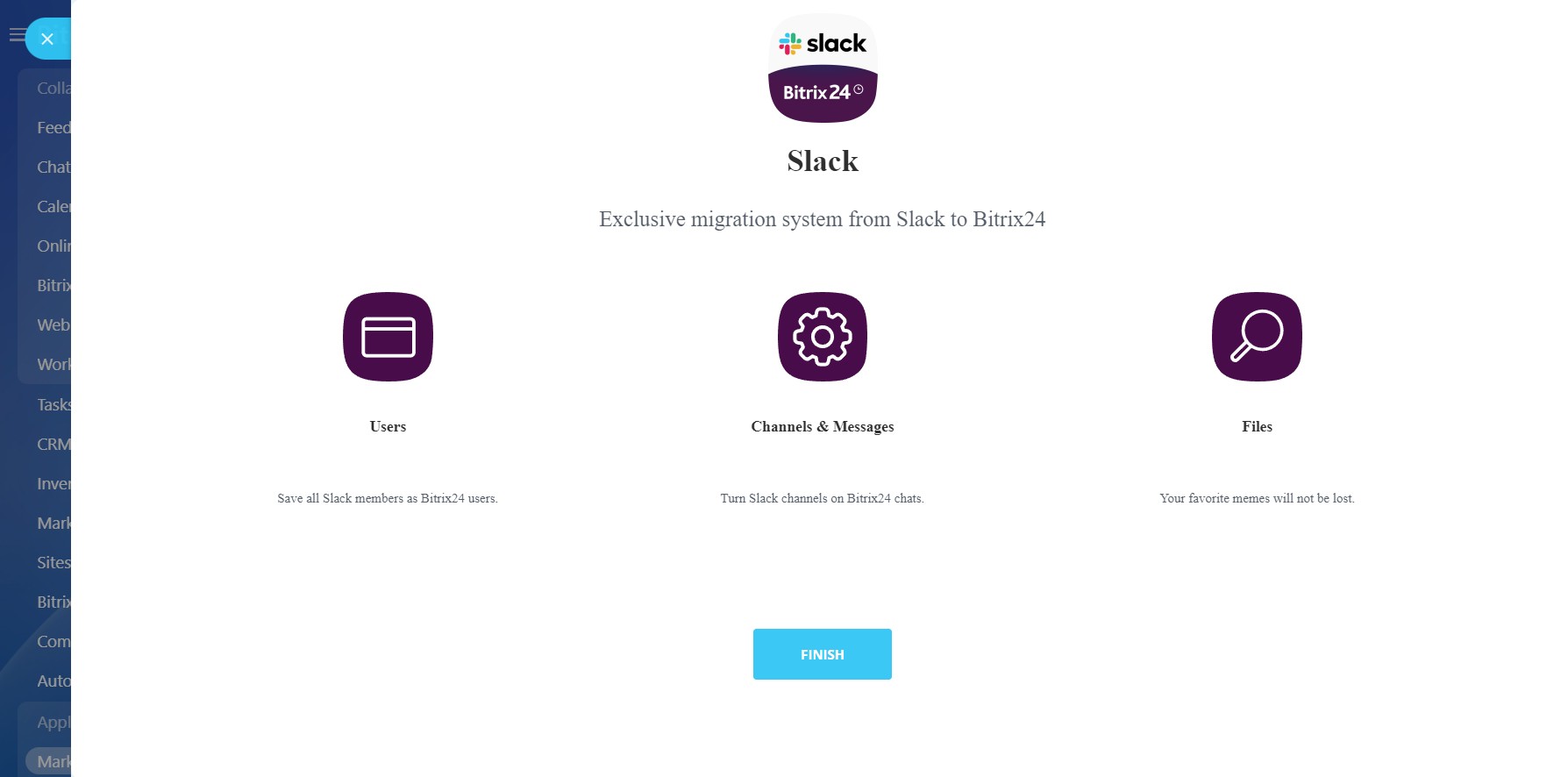
The application transfers data from Slack to Bitrix24:
The app is currently in public beta testing. Some features and enhancements are yet a work-in-progress.
- Users
- Channels (chats)
- Messages in channels
- Attached files
The app is currently in public beta testing. Some features and enhancements are yet a work-in-progress.
Hỗ trợ kỹ thuật
If you are facing an issue or would like to receive some more information about the app, kindly contact Bitrix24 support.
Our dedicated Integrations support team will be delighted to assist you and provide guidance on any inquiries you may have regarding the app.
Additionally, we highly recommend following the steps outlined in this article to troubleshoot common issues in case you cannot access the app after installing it from the Market.
Hướng dẫn cài đặt
Complete the standard installation from Bitrix24.Market and follow these steps:
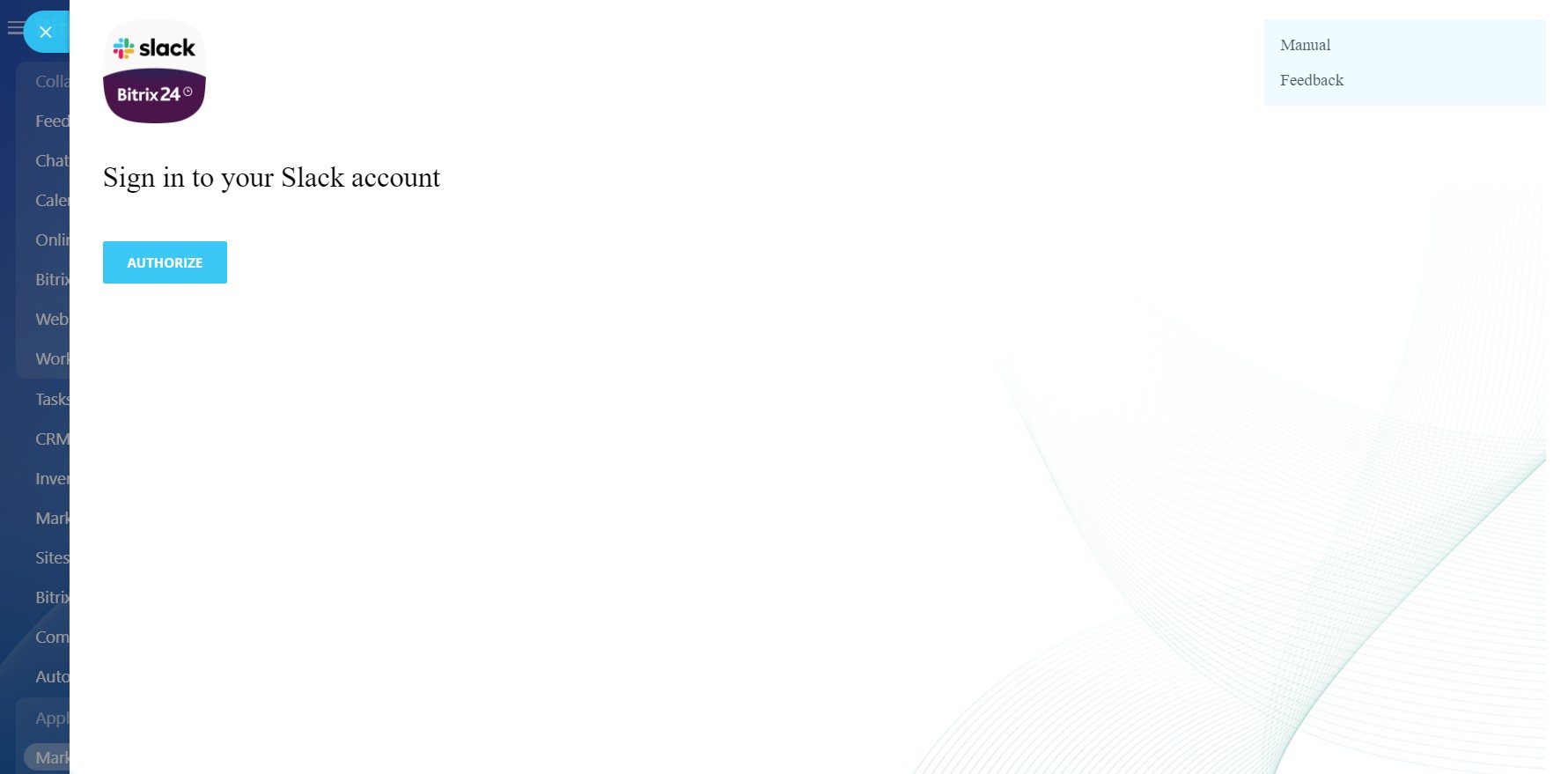
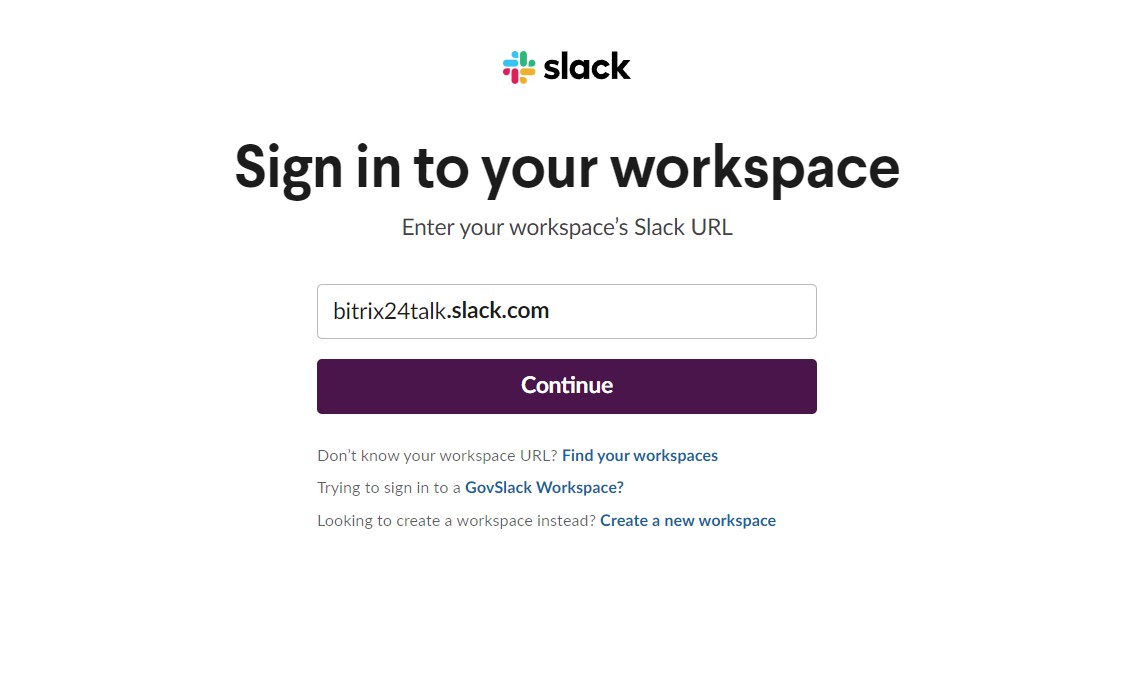
- Sign in to your Slack account
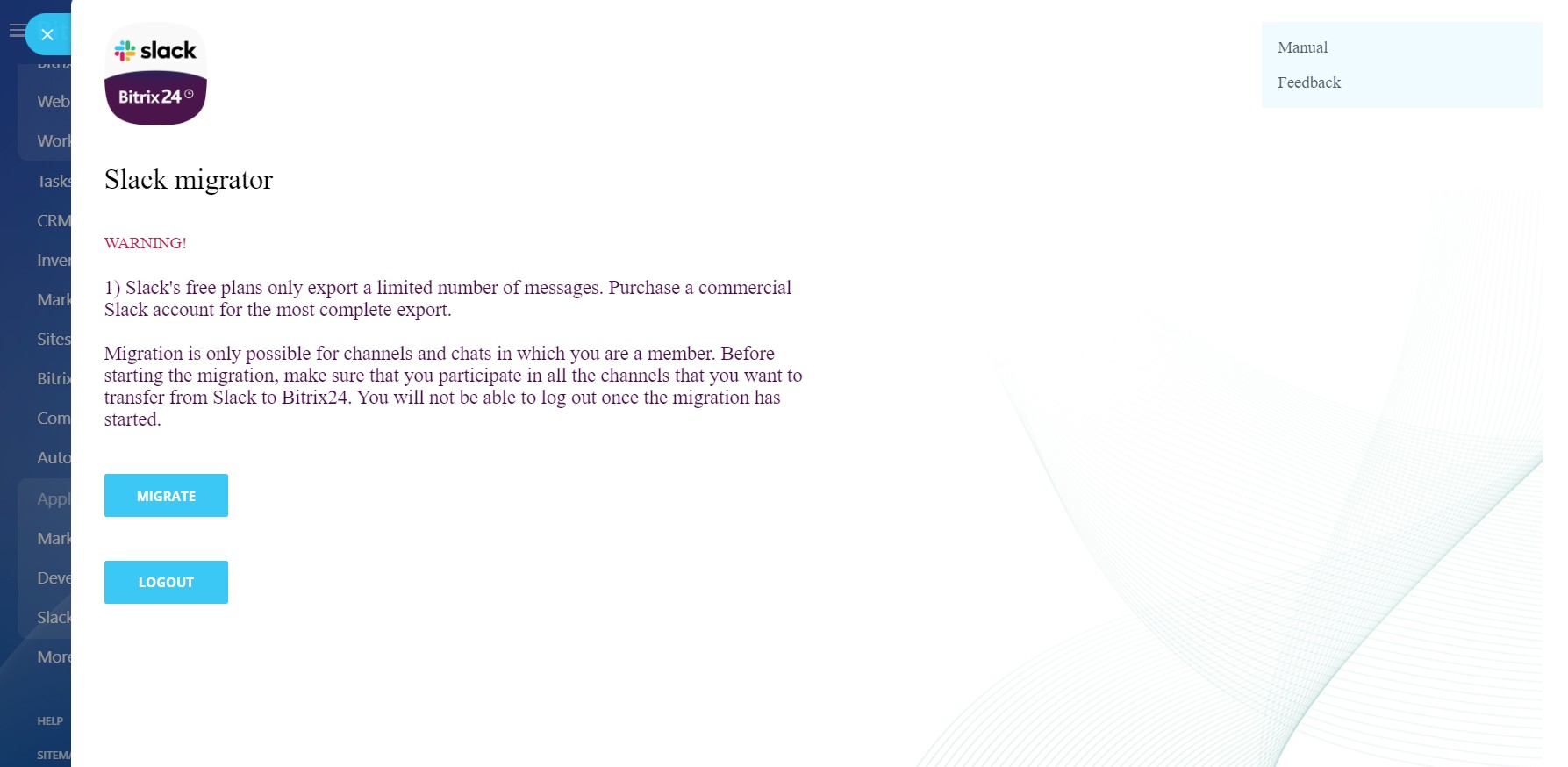
- Make sure that the authorized user goes to all channels necessary for import
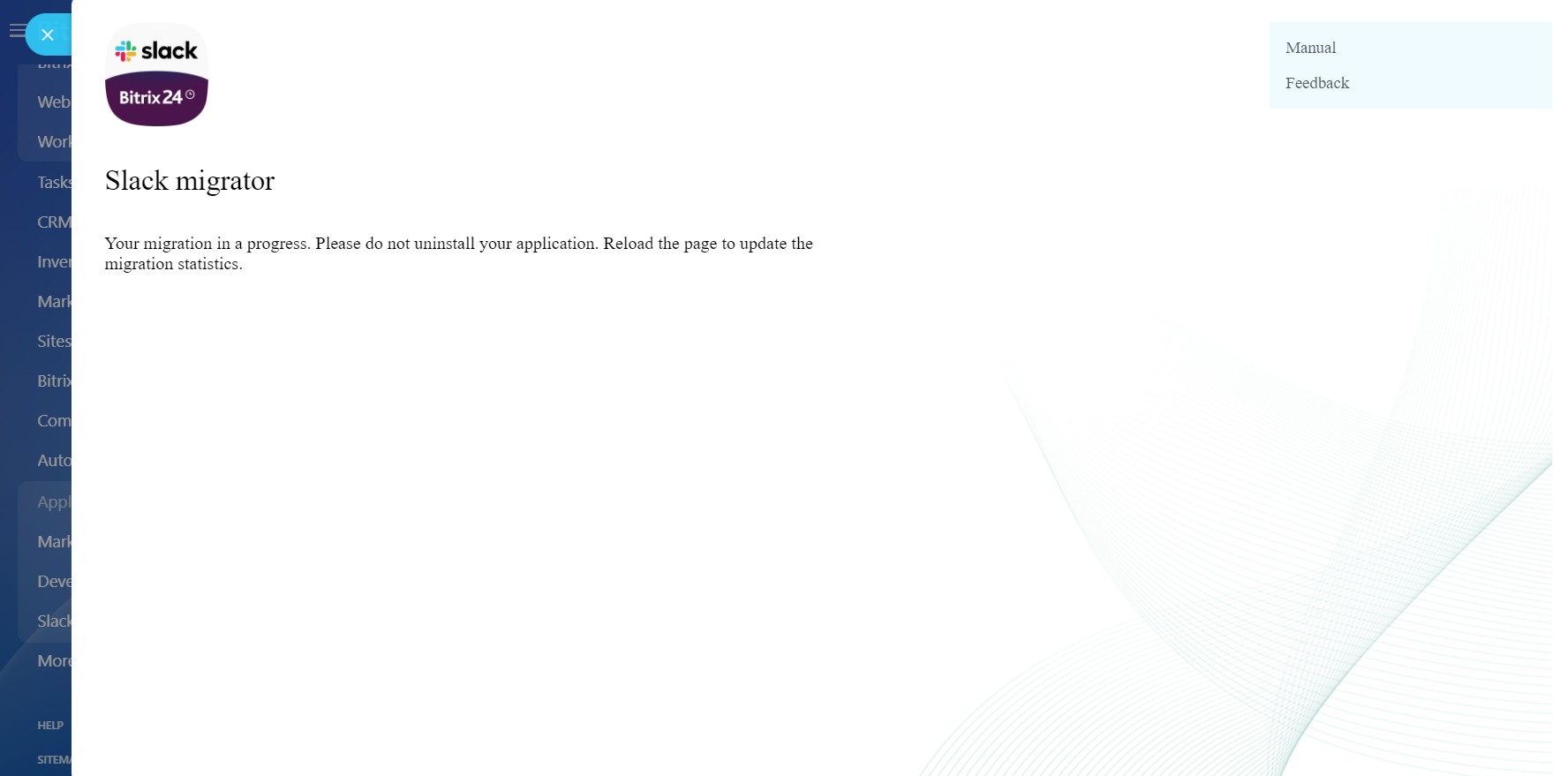
- Start the migration.
Bảo mật dữ liệu
Slack data migration
Ứng dụng yêu cầu các quyền để truy cập dữ liệu:
Users
full access: view, create, edit and delete users
Drive
full access: view, create, edit and delete storages, folders and files
Message import
full access: add chats, messages and users
Chat and Notifications
full access: view, create, edit and delete chats and messages; connect users to chats; edit chats; read all chat messages
Điểm
0 /5
5 sao
0
4 sao
0
3 sao
0
2 sao
0
1 sao
0
Đánh giá
Không có đánh giá!